Voice-to-Text vs Traditional Writing: Which Wins?

Voice-to-text technology and manual writing each serve distinct purposes, and the best choice depends on your needs. Voice-to-text is faster, with up to 95% accuracy, and works well for multitasking, brainstorming, or capturing spoken ideas during meetings. It integrates with tools like Google Docs and Zoom, offering features like summaries and action item highlights. However, it may require more editing for transcription errors and can struggle with complex terms.
Manual writing, whether typing or handwriting, offers more control and precision, making it ideal for tasks requiring careful structuring, such as reports or creative pieces. It’s slower but often produces cleaner drafts, reducing the need for corrections.
Key Takeaways:
- Voice-to-Text: Best for speed, multitasking, and capturing ideas on the go.
- Manual Writing: Better for precision, editing, and detailed projects.
- Blended Approach: Use voice-to-text for drafting and manual writing for refining.
Quick Comparison:
| Feature | Voice-to-Text | Manual Writing |
|---|---|---|
| Speed | Faster, up to 95% transcription accuracy | Slower but deliberate |
| Editing | Requires error corrections | Cleaner drafts, less error-prone |
| Best For | Brainstorming, multitasking, meetings | Reports, structured writing, creative tasks |
| Tools | AI-powered apps (e.g., Otter.ai, Revise) | Keyboards, pens, word processors |
Both methods shine in different scenarios, so combining them often yields the best results.
How to Use Speech-to-Text Voice Typing in Word & Docs - Type Hands-Free for Faster Content Creation
Voice-to-Text vs Traditional Writing: The Basics
Understanding these two approaches can help you decide which one suits your needs better. Let’s break down their main features.
What Is Voice-to-Text?
Voice-to-text technology takes your spoken words and turns them into written text using artificial intelligence and speech recognition. You speak into a device, and the AI transcribes your words in real-time.
Here’s how it works: The microphone captures your voice, the software analyzes audio patterns, and the system generates text - often with an accuracy rate of about 95%.
But modern voice-to-text tools don’t stop at simple transcription. They can create live conversation transcripts, summarize discussions, pull out key points, and even highlight action items from meetings. Many tools integrate with platforms like Zoom, Google Meet, Google Docs, and Slack, ensuring your transcripts and notes are synced across your digital workspace.
The experience feels natural. You just speak as you normally would, and in some cases, you can use voice commands like "Hey Otter" to activate features - letting the AI take care of the rest.
What Is Traditional Writing?
Traditional writing, on the other hand, is a fully manual process. It involves creating text by hand or through typing, requiring you to input every word, letter by letter.
The workflow here is straightforward but demands your full focus. You think of an idea, then translate it into text through physical effort - whether that means pressing keys on a keyboard or moving a pen across paper. This method forms a direct link between your thoughts and the act of writing, making it a more deliberate and hands-on process.
Traditional tools range from classic pens and notebooks to advanced word processors and text editors. Unlike voice-to-text, this approach doesn’t allow for multitasking as easily. However, it offers unmatched control over details like formatting, punctuation, and word placement.
The main distinction lies in automation. Voice-to-text handles transcription on its own, while traditional writing relies entirely on your manual input. Though slower, traditional writing gives you precise control over every aspect of your text.
Speed and Productivity Comparison
When it comes to writing, speed is important, but productivity goes beyond just cranking out words. It’s about how effectively you can capture, organize, and refine your thoughts into something meaningful.
Speed: How Fast Can You Write?
Voice input allows you to get your ideas down faster than typing. That’s a big deal. Modern voice-to-text tools boast transcription accuracy rates of up to 95%, which means you’ll spend less time fixing errors and more time focusing on your content. But it doesn’t stop there - these tools can also handle tasks like generating summaries, pulling out key points, and even identifying action items from what you say. That’s a lot of heavy lifting compared to traditional writing, where you’re doing everything manually as you type.
Multitasking with Voice-to-Text
Voice-to-text shines when you’re juggling multiple tasks. Think about it - you can dictate ideas while walking, commuting, or even doing chores. It’s a game-changer for those moments when sitting down to write isn’t an option.
In professional settings, the advantages become even more apparent. Laura Brown, Vice President of Sales at Aiden Technologies, puts it like this:
"Just being conservative - our team is getting 33% time back."
This kind of flexibility not only saves time but also frees up mental space for more strategic thinking. It’s like giving your workflow a boost and making your daily routine a lot more adaptable.
Daily Workflow Impact
The way these tools fit into your day-to-day life is another key factor. Traditional writing usually means carving out dedicated blocks of time - sitting at a desk, setting up your workspace, and focusing entirely on the task at hand. It’s a structured process that demands your full attention.
Voice-to-text, on the other hand, blends more naturally into your routine. Many tools can automatically join meetings, sync with platforms like Google Docs or Slack, and require minimal setup. You can record ideas during your commute, dictate notes between appointments, or draft content while reviewing other documents.
This approach is especially helpful if your hands are tied - literally - or if physical limitations make typing difficult. For people who think best out loud, collaborate often, or need to capture thoughts on the fly, voice-to-text can streamline the entire process. But, if you prefer a slower, more deliberate approach where you control every word, traditional writing might still be your go-to method.
Writing Quality and Style Impact
The way you choose to write - whether through voice-to-text or traditional methods - not only shapes how your ideas are captured but also influences the clarity, tone, and style of your work.
How Each Method Engages Your Mind
Your writing tool impacts how your thoughts take shape. Voice-to-text allows you to quickly record your spoken ideas, creating drafts that feel conversational and spontaneous. This speed can help preserve fresh insights, but it can also lead to tangents or incomplete thoughts.
On the other hand, traditional writing tends to be more intentional. It gives you the chance to carefully select your words and organize your ideas as you go, resulting in a more thoughtful and structured draft.
These differences in how ideas are formed affect how you approach editing and refining your work later.
Editing and Revision Dynamics
The editing process varies significantly depending on the method you use. With voice-to-text, your first draft often includes transcription errors - despite tools boasting 95% accuracy. This means your initial edits will likely focus on fixing misheard words, missing punctuation, or awkward phrasing.
Modern voice-to-text tools, like Otter.ai, come with helpful extras such as automated summaries and AI-driven analysis. These features can highlight key points and even assist with reorganizing your content. Plus, integration with platforms like Google Docs makes collaborative editing easier.
In contrast, traditional writing usually produces cleaner drafts from the start. Since you’re directly typing or handwriting your thoughts, there’s less need to correct technical errors. Instead, your revisions can focus on polishing your ideas, improving flow, and strengthening arguments.
The method you choose doesn’t just influence the revision process - it also leaves a mark on your overall writing style.
How Your Style Evolves
Voice-to-text often results in a conversational tone. Dictating your thoughts naturally leads to shorter, more fluid sentences, which can give your writing a friendly and relatable feel.
Traditional writing, by comparison, leans toward a more formal and polished style. The extra time spent crafting each sentence allows for a more deliberate and precise tone.
Voice-to-text shines when it comes to brainstorming or stream-of-consciousness writing. According to Otter.ai:
"Effortlessly capture fledging thoughts, organize them into structured outlines, extract key insights, quotes, relevant points, and even get help on that first draft".
This approach is great for generating ideas while keeping your tone genuine and unfiltered.
Ultimately, there’s no one-size-fits-all answer. Voice-to-text is ideal for quickly capturing ideas and maintaining an authentic tone, while traditional writing offers a more controlled and refined approach. Many writers find that blending the two methods can yield the best results, depending on the task at hand.
sbb-itb-df9dc23
When to Use Each Method
Deciding between voice-to-text and traditional writing isn't about picking a favorite - it's about choosing the right tool for the task at hand. Your environment, the type of work, and your personal workflow should guide your choice. Both methods have their strengths, and knowing when to use each can make a big difference in productivity.
Best Times to Use Voice-to-Text
Voice-to-text shines in situations where speed and convenience matter. For example, during meetings, interviews, or lectures, it allows you to capture conversations with up to 95% accuracy. This means you can stay fully engaged in the discussion without scrambling to take notes.
It’s also a great option for brainstorming. When ideas are coming fast and furious, speaking them aloud can help you capture those fleeting thoughts before they disappear. Later, you can organize them into outlines or drafts, which is especially helpful for long documents or creative projects.
For teams, voice-to-text can save a lot of time. Tools like Zoom and Google Docs integrate with transcription features, automatically generating summaries and action items that everyone can access immediately. This makes it easier to keep everyone on the same page without spending hours on manual documentation.
Voice input is also a lifesaver when multitasking or when typing isn’t practical. Whether you're walking, safely parked in your car, or dealing with physical challenges that make typing difficult, voice-to-text keeps your workflow moving. Speaking your thoughts aloud often feels more natural, letting ideas flow freely.
When Traditional Writing Works Better
Traditional writing takes the lead when precision and control are key. For tasks like academic papers, legal documents, or technical specifications, every word matters. Typing or handwriting gives you the time to carefully craft each sentence, ensuring clarity and accuracy.
Editing is another area where traditional writing excels. While voice-to-text speeds up the initial draft, refining the text often requires manual adjustments. Fixing transcription errors, fine-tuning phrasing, and formatting the document are best handled with a keyboard.
Creative writing, particularly when working on intricate narratives or poetry, often benefits from the deliberate pace of typing. Seeing your words appear on the screen as you type can help maintain focus and rhythm. Quiet settings like libraries or late-night workspaces are ideal for this method, as they minimize distractions and foster concentration.
When working with technical terms, industry-specific jargon, or multiple languages, traditional writing is usually more reliable. Voice-to-text can struggle with these complexities, leading to errors that take extra time to fix.
Combining Both Methods
The smartest approach often involves blending the two methods. Start with voice-to-text for the initial draft - speak your ideas, outline your thoughts, and quickly generate raw content. This can save you up to four hours a week by automating transcription and summaries.
Once you have a draft, switch to traditional writing to refine and polish. Use your keyboard to edit, restructure, and ensure the final product meets professional standards. This hybrid workflow combines the speed of voice-to-text with the precision of traditional methods.
For team projects, voice-to-text can produce shared transcripts and notes that team members can then refine collaboratively. It’s a great way to streamline the process while ensuring everyone has a clear starting point.
Think about the stages of your project when deciding which method to use. Voice-to-text works well during research or brainstorming, while traditional writing is better suited for editing and formatting. For larger projects like reports or books, you might use voice-to-text to draft sections and traditional writing to connect ideas and ensure consistency.
Voice-to-Text Tools in Practice
Voice-to-text technology has come a long way, evolving from simple dictation tools to advanced systems with real-time transcription and AI-driven features. By exploring these capabilities, you can determine how this technology might enhance your workflow.
Key Features of Voice-to-Text Technology
Modern voice-to-text platforms boast impressive accuracy rates - up to 95%. This means you can speak naturally without constantly stopping to fix errors, making the process smoother and more efficient.
One standout feature is AI-powered summarization. Instead of leaving you with pages of raw transcription, these tools can automatically condense lengthy conversations into shorter, easy-to-digest summaries. This is especially helpful during long meetings or interviews where you need to quickly identify key takeaways.
Some platforms also include AI chat capabilities, which allow you to extract important points, create plans, and even draft emails based on the transcribed content. It’s like having a virtual assistant that helps you organize your thoughts into actionable outputs.
Another useful feature is the ability to identify and highlight action items from spoken discussions. Whether you’re brainstorming or managing projects, the AI can pull out tasks and deadlines, simplifying the follow-up process.
Voice commands add a hands-free element to the experience. These let you navigate, edit, and organize your content without touching a keyboard - perfect for multitasking or working in environments where typing isn’t feasible.
Together, these features create more efficient workflows, as demonstrated by specialized platforms like Revise.
Revise: Smarter Voice-to-Text Workflows
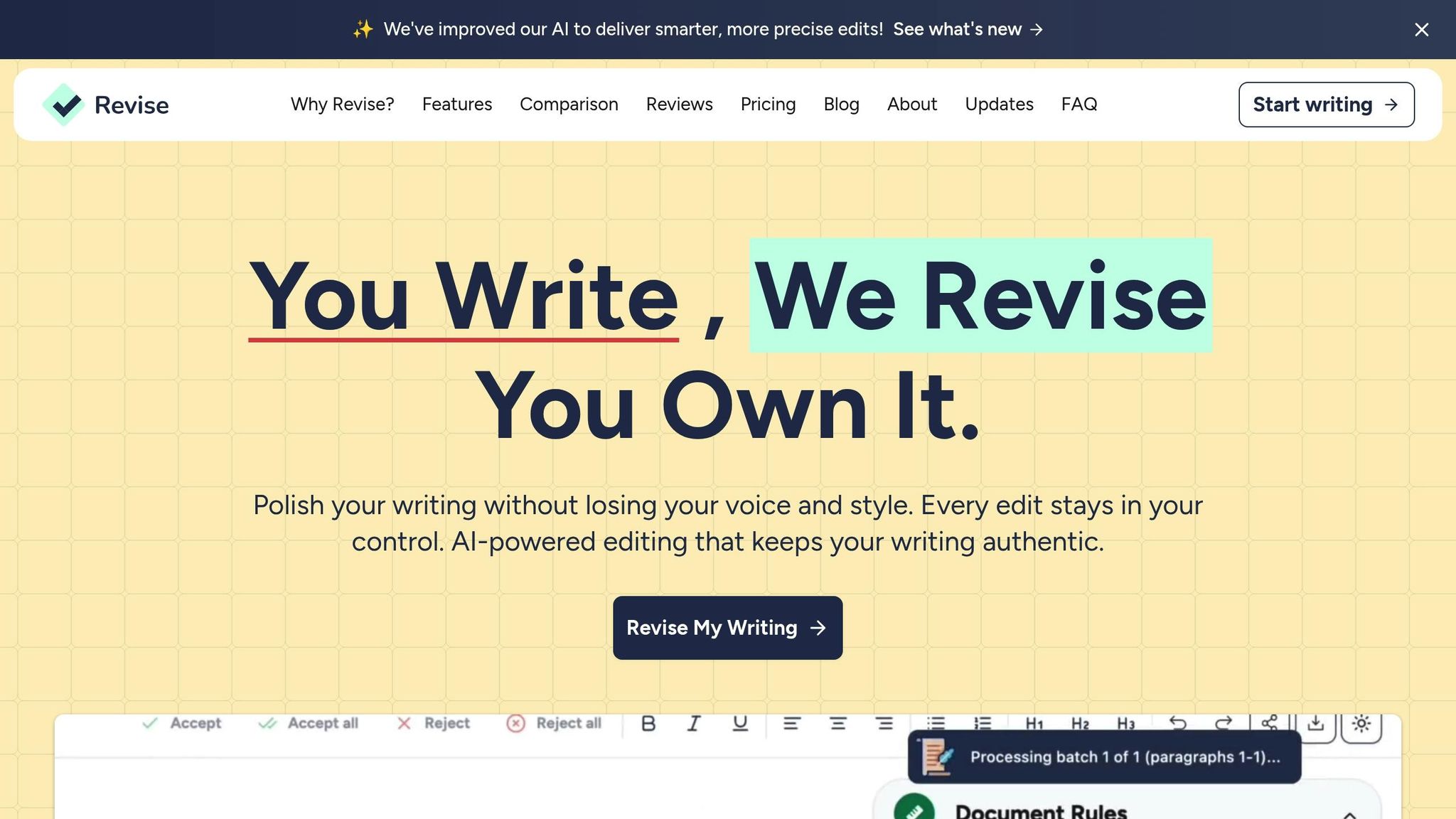
Revise takes voice-to-text functionality to the next level by combining transcription with personalized editing tools. Its speech-to-text input captures your words while maintaining your unique writing style through AI analysis.
The platform learns your tone, style, and writing preferences, ensuring that the final transcription feels authentic to your voice.
Revise also provides seamless change tracking, showing exactly how your spoken words are transformed into polished text. This feature gives you full control over the editing process. Custom style rules allow for consistent formatting and tone, whether you’re working on an email, report, or creative piece.
Another standout feature is the in-document brainstorming tool. You can speak your ideas freely, and Revise organizes them into structured formats while keeping your original thoughts intact.
These capabilities make Revise an excellent choice for both individual users and collaborative teams.
Practical Benefits for Writers
Voice-to-text tools offer clear advantages for different types of users. Many professionals report saving significant time by automating transcription and summarization. For those with packed schedules, this translates into a noticeable productivity boost.
Students find these tools invaluable during lectures and study sessions, as they can capture spoken information with accuracy while staying focused on the discussion. Creative writers benefit during brainstorming sessions, as voice-to-text allows them to capture the natural flow of ideas without the interruption of typing. Business professionals also see measurable results - Laura Brown, Vice President of Sales at Aiden Technologies, shared that her team saves 33% of their time using voice-to-text tools.
The technology also addresses accessibility needs, enabling writers with physical limitations or repetitive strain injuries to remain productive using voice input.
For remote teams, voice-to-text tools simplify collaboration. Instead of waiting for someone to type up meeting notes, transcripts and summaries are available immediately after discussions. This ensures that projects continue moving forward without unnecessary delays.
With these advancements, voice-to-text tools have become a powerful alternative to traditional writing methods, offering speed, convenience, and versatility to a wide range of users.
Choosing the Best Writing Method for You
Each writing method has its own advantages, and the "best" choice really depends on your personal needs, goals, and workflow. It's not about picking a universal winner - it’s about finding what fits your style and the type of work you do.
Think about the factors that shape your writing process. For example, the kind of content you create, how much time you have, your comfort level with technology, and whether you work solo or in a team can all influence your decision. A novelist crafting intricate character details might lean toward traditional typing for its precision. On the other hand, someone jotting down meeting notes might benefit more from the speed and convenience of voice-to-text.
A combination of both methods often works best. For instance, you can use voice-to-text for brainstorming or capturing ideas quickly, then switch to traditional writing for editing and refining. This hybrid approach allows you to capture the spontaneity of spoken thoughts while maintaining the clarity and precision needed for polished work.
Tools like Revise make this process even smoother by converting spoken words into text that feels natural and personal, cutting down the time you’d typically spend tweaking and editing.
It’s worth experimenting. Try using both methods for different tasks and see what feels right. Pay attention to factors like how quickly you can produce content, how clear your ideas come across, and how natural the final result feels.
Also, consider your surroundings. If you’re often in quiet spaces where speaking aloud isn’t feasible, traditional writing might be your go-to. If you work from home or in private settings, voice-to-text could give your productivity a big boost.
With advancements in technology, voice-to-text tools now offer much better accuracy and smarter features. Even if you’ve had frustrating experiences with them in the past, it might be time to give them another shot.
Ultimately, the best workflow is likely a mix of both methods. Use voice-to-text to quickly capture your ideas and traditional writing for fine-tuning. Stay flexible and adjust your approach depending on the task. Platforms like Revise make it easier to blend these methods, so take the time to experiment and find the balance that works best for you.
FAQs
How can I combine voice-to-text and traditional writing to improve my workflow?
To seamlessly combine voice-to-text and traditional writing in your daily routine, start by figuring out which tasks align best with each approach. Voice-to-text is perfect for brainstorming, jotting down quick ideas, or creating content when you're on the move. On the other hand, traditional writing shines when it comes to refining, editing, and adding those personal touches that make your work stand out.
A practical strategy could be dictating your initial draft using a voice-to-text tool, then revisiting it manually to fine-tune the clarity, tone, and style. This method lets you take advantage of voice-to-text's speed while preserving the precision and creativity that traditional writing offers. Try out different workflows to discover the balance that suits your needs best.
How can I improve accuracy and reduce errors when using voice-to-text technology?
To get the most out of voice-to-text tools and reduce errors, focus on speaking clearly and maintaining a steady pace. Background noise can confuse the software, so try to work in a quiet environment.
Using a high-quality microphone can make a noticeable difference in accuracy. After transcription, take a moment to review and correct any errors in the text. Many tools offer features to adapt to your voice and vocabulary over time - take advantage of these to boost precision. Also, keep your software updated to ensure it runs smoothly and recognizes speech more effectively.
When might voice-to-text technology not be the best option for writing?
Voice-to-text technology can be incredibly helpful, but it’s not always the best option for every situation. For example, it can struggle to maintain accuracy in noisy settings or when dealing with specialized terms, such as those used in technical or medical fields. And when it comes to tasks that demand precise formatting - like coding or drafting detailed outlines - traditional typing often provides more accuracy and control.
Privacy is another factor to think about. If you’re dealing with sensitive or confidential information, typing might feel like the safer choice, especially if you’re in a public or shared space. Plus, some people simply enjoy the tactile nature of writing or typing. It can help them organize their thoughts more effectively and stay focused on what they’re doing.